From your artwork to the screen in four steps.
You bring the ad and the offer. We check it, schedule it, and put it on screen. Then you watch the response come in.
Step 1 of 4
Upload your ad
Send your artwork, your offer, the link shoppers should land on, and the dates you want.
- Drag in a finished landscape image or PDF
- Add the link your QR code should open
- Pick the dates you want
 glowbiz.com/campaigns/newNew campaignCasa OlivoDraftArtworkDrag your artwork herePNG, JPG or PDF up to 10 MBSend for reviewLink for your QR codehttps://DatesOct 7 to Nov 34 weeks
Step 2 of 4
We review it
We check that it reads well on the screen, the offer is clear, and the link works. If something needs a change, we tell you.
- Checked for how it reads from a few steps away
- One offer, one clear action
- We tell you if anything needs a change
Headline reads from 3 mBusiness name is clearQR code big enough to scanCasa OlivoItalian kitchen
Tuesday is date night.
Two plates and a bottle of house red, $48.
Scan to book a tabledate-night.jpgPreview at screen size
ReviewIn review- Size and format
- Readable from across the aisle
- One clear offer
- QR link opens on a phone
- Right for a family audience
GBApproved by GlowbizScheduled for screen 1Step 3 of 4
It goes on screen
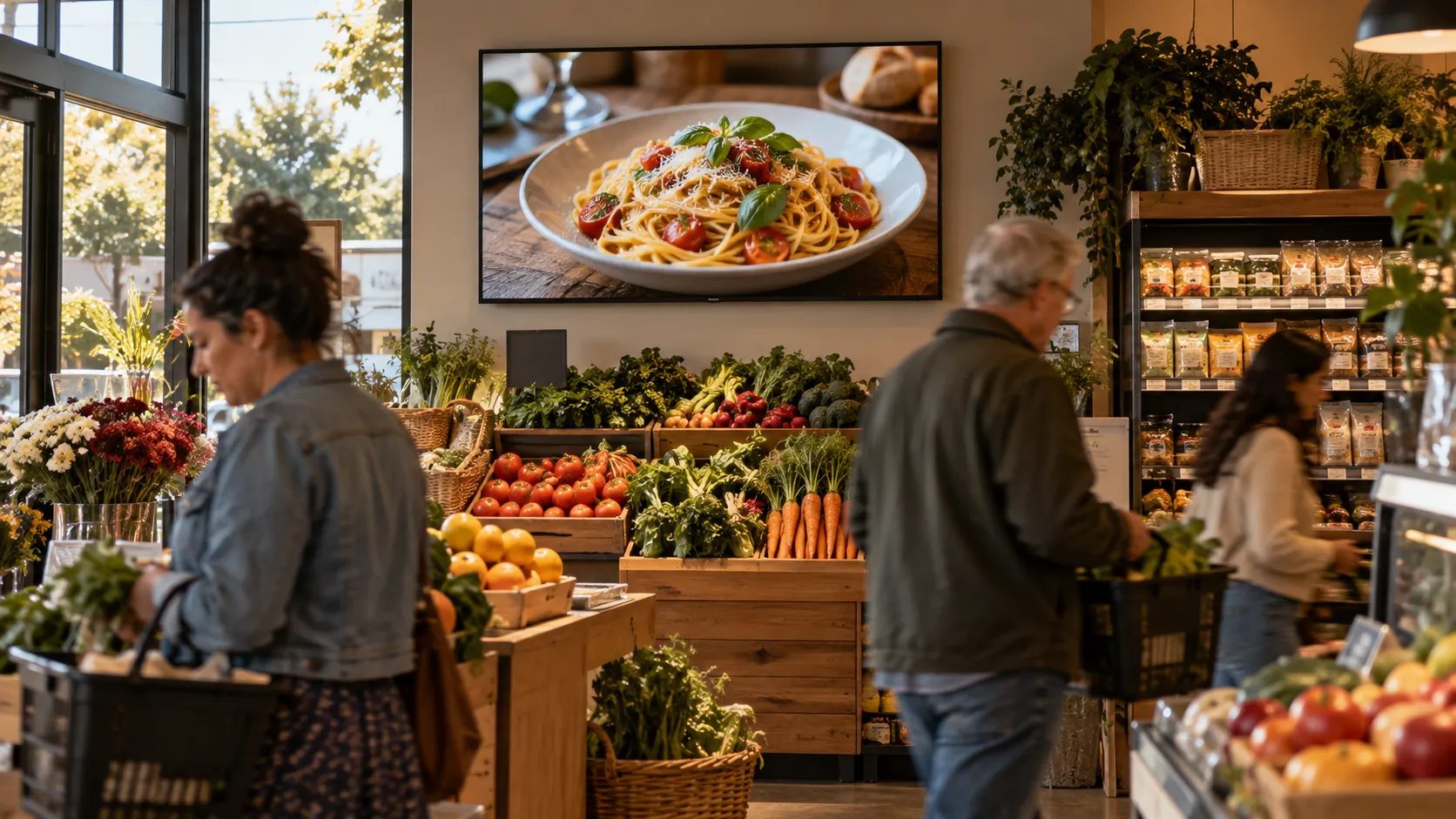
Your approved ad runs on a Glowbiz screen on the dates we agree.
- Runs on a Glowbiz screen in a busy local spot
- Shares the screen with only a few local businesses
- Starts on the date we agree

Morning PourCoffee bar
Bring a friend. The second coffee is on us.
Weekdays before 10 am.
Scan for the menuYour ad is liveScreen 1, Oct 7 to Nov 3Step 4 of 4
You see the response
Every campaign gets its own QR code. Your dashboard shows the ad, the scans, and the visits to your page.
- A QR code made for your campaign
- Scans, page visits and people, counted as they happen
- All in one dashboard
Casa OlivoItalian kitchen
Tuesday is date night.
Two plates and a bottle of house red, $48.
Scan to book a tablecasaolivo.com1×QR scansPage visitsPeopleScans per dayLast 14 days- Page visitcasaolivo.com/tuesday
- QR scanAt the Glowbiz screen
- Page visitcasaolivo.com/tuesday
Your dashboard.
One page for your campaign: the ad that’s running, the scans it gets, and the people who reach your page.
Campaign
Tuesday is date night.
Scans and visits
Your ad
Screen 1Casa OlivoItalian kitchen
Tuesday is date night.
Two plates and a bottle of house red, $48.
- Uploaded
- Approved
- On screen
- Ends
When people scan
All daysBusiest after work, between 5 and 7 pm.
Recent activity
Today- QR scan at the screen
- Visit to casaolivo.com/tuesday
- QR scan at the screen
- Visit to casaolivo.com/tuesday
Campaign QR code
Example campaign and figures.
What each number means.
- QR scans
- Each time someone scans the code on your ad. One person scanning twice counts twice.
- Page visits
- Visits to the page your code links to, like your menu, booking page or offer.
- People
- How many different people opened that page. This is people who showed interest, not sales.
Questions
Something else on your mind? Ask us.
How long does review take?
We look at every ad as soon as it comes in and tell you straight away if anything needs changing.
Can I change my ad mid-campaign?
Yes. Upload the new version and we review it before it replaces the old one.
Do I get a new QR code for each campaign?
Yes. Each campaign gets its own code, so the numbers in your dashboard belong to that ad only.
Your ad could be next on screen.
Tell us what you want to promote and when. We’ll reply with dates and options.
Start a campaign